


Ausmed is a Trusted Information Partner of Healthdirect Australia. Verify here.


© 2026 Ausmed Pty Ltd (ABN: 33 107 354 441)
For directors of nursing, clinical managers and educators in residential aged care. Ausmed sets clinical training by role, records observed sign-off by your authorised assessors, and shows who is qualified and competent at each home when Standard 5 is tested.
Book a walkthroughQualifications sit in the employment file. Competence needs someone to have watched the work, and scope moves when the role does. A completion rate shows none of the three.
The provider implements processes to ensure aged care workers providing clinical care services are qualified, competent and work within their defined scope of practice or role.
In Ausmed, qualifications go on the worker's record with the certificate attached. Competence is an observed sign-off in Ausmed Competency™, with the assessor's name and a time stamp.
Scope is the training plan for the job role they hold. When their role changes, their requirements change with it.
All seven StandardsRegistered nurses, enrolled nurses and care workers each get a training plan matched to the clinical work they do, assigned by job role and home and repeated on a set cycle.
Assign Library modules on infection prevention and control, dementia, falls, SIRS and palliative care through the same plans.
A named assessor watches the procedure and signs it off on a phone or tablet, and the sign-off completes the matching activity in the training plan.
After an incident, publish the revised procedure, ask for a fresh acknowledgement, and assign the training that goes with it.
See clinical training across homes and teams side by side, month on month, and which home needs attention first.
The Ausmed Library™ covers the clinical areas the Standards name, including infection prevention and control, dementia and changed behaviours, SIRS, falls and palliative care.
Modules are peer reviewed and accredited. Each one carries a review date under Ausmed's T.R.U.S.T.E.D. framework, so your educators aren't rewriting content when practice changes.
Filter by Standard and action to build each role's plan. Dementia modules can go to every worker for the Action 2.9.6 core matter and to clinical staff for Outcome 5.6. Palliative care modules go to the roles that deliver end-of-life care under Outcome 5.7.
Explore the Aged Care Library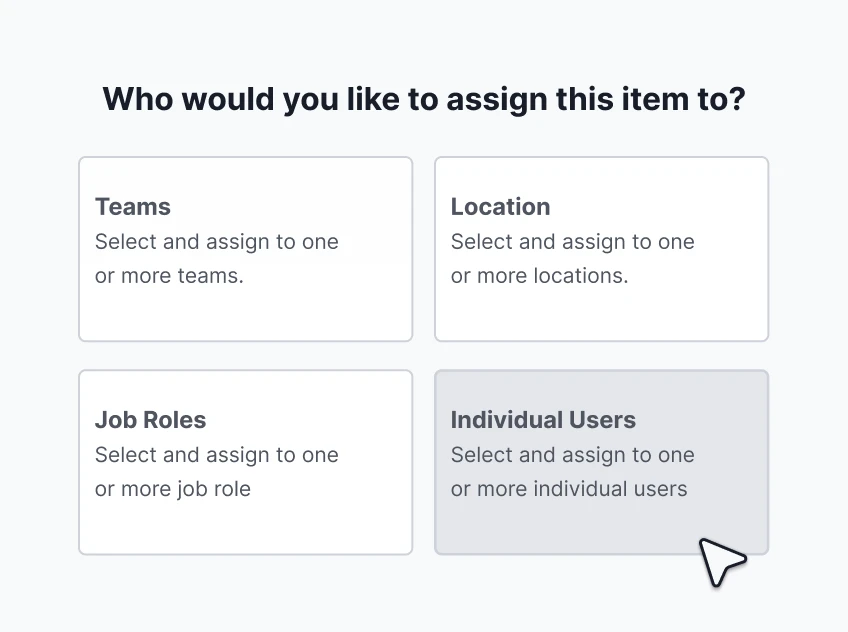
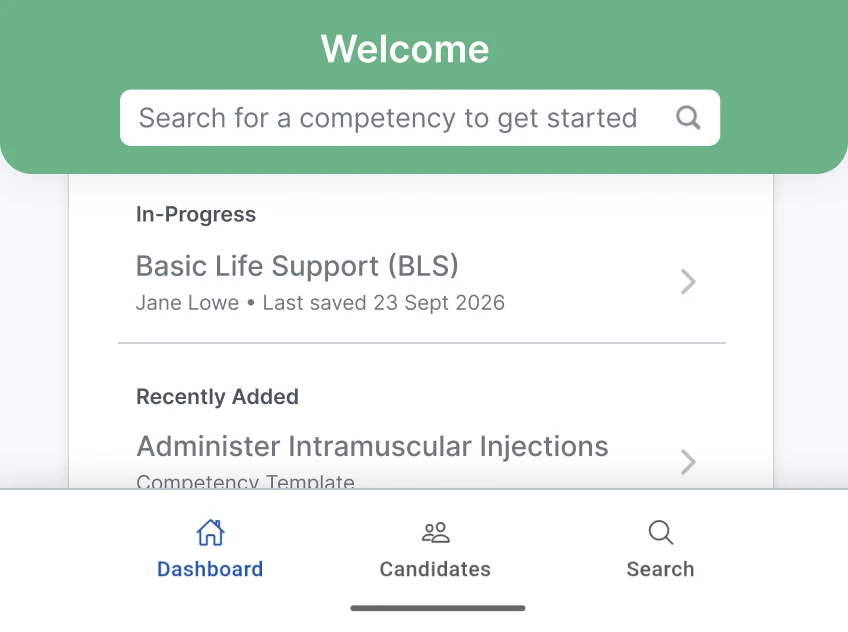
Ausmed Competency™ uses structured observation checklists to verify staff can safely perform clinical procedures. The assessor marks each element Satisfactory or Not Yet Satisfactory, adds comments and submits. The record carries their name and a date and time stamp.
You decide who is authorised to assess each competency, so sign-off for a clinical procedure can sit with registered nurses or a clinical educator.
When someone is not yet competent, Ausmed sends a notification and keeps the follow-up in an action log against the assessment. Dashboards show who is competent and not yet competent by team, role or home.
Discover Ausmed Competency™Action 4.2.1 asks for standard and transmission-based precautions and correct use of PPE across the workforce, led by a qualified and trained IPC lead.
In Ausmed Learn™, that becomes a training plan. You assign IPC modules by job role and home, and they repeat each year, with reminders before they fall due and again when they are overdue.
Hand hygiene and PPE practicals sit in the same plan as the online modules, and an assessor signs them off. The IPC lead's own qualification goes on their record as a learning record, with the certificate attached.
Discover Ausmed Learn™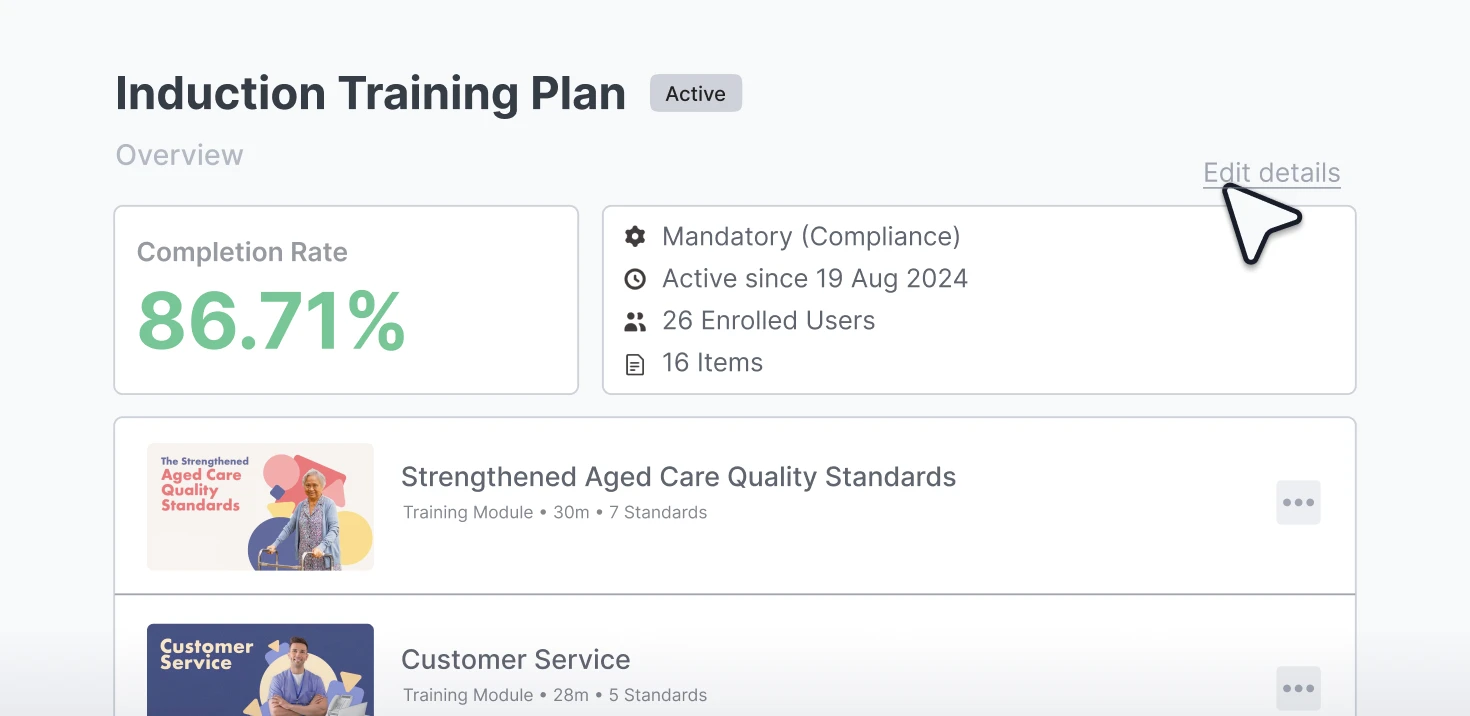
After a fall, an outbreak or a medication error, the procedure often changes.
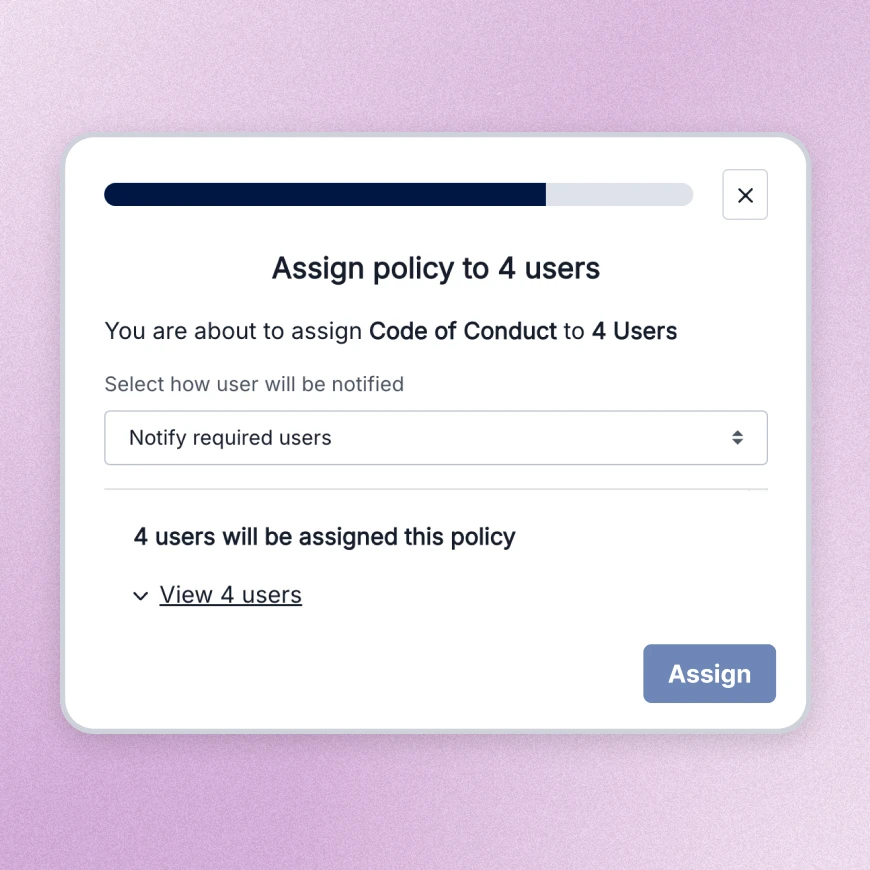
In Ausmed Policy™, publish the new version and the old one's records stay in its history. Assign it by team, role or home, and ask the staff it covers to acknowledge it.
Each acknowledgement records the person, the date and time and the version, on the web or the app. Reminders go out before and after it falls due. Assign the matching Library module or practical alongside it, and the record shows both.
Discover Ausmed Policy™The Team / Location Report in Ausmed Analytics™ compares every team or home month on month. A home falling behind on infection control or dementia training shows up next to the homes that are keeping up.
Share it as a point-in-time report with your clinical governance meeting.
Discover Ausmed Analytics™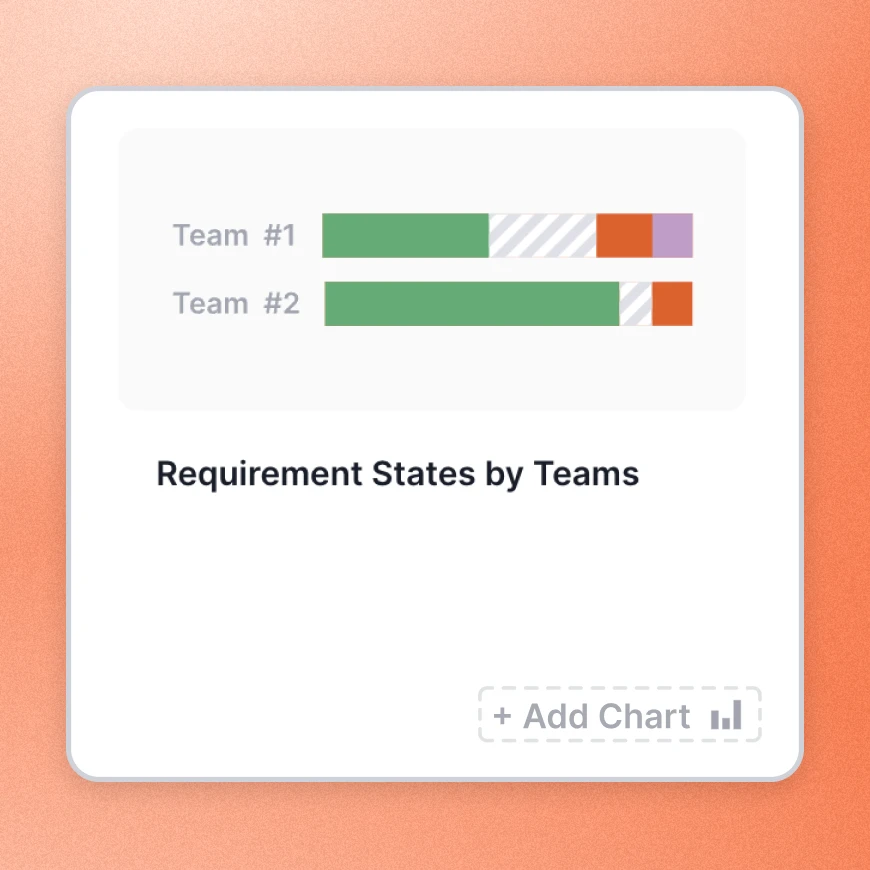
| Without a system | With Ausmed | |
|---|---|---|
| Clinical competency | Paper sign-off forms in a folder at each home | Observed sign-off, with the assessor's name and a time stamp |
| Who may assess | Whoever is senior on shift | You authorise assessors competency by competency |
| IPC training | A spreadsheet of who did hand hygiene this year | A training plan by role, with reminders before it falls due |
| A revised procedure | An email, and no way to know who read it | A new version, and staff acknowledge it by version |
| Comparing homes | Someone merges each home’s report by hand | Homes and teams side by side, month on month |

Infinite Care paired Ausmed modules with on-site activities, adding new modules each week so staff could focus on one at a time. Feedback on the rollout was overwhelmingly positive across the business.
Its clinical teams use the best-practice resources in Ausmed Library™, which show the CPD minutes up front.
Read the Infinite Care story
All seven Standards, and where the workforce sits in each.
Standards for residential care
Competency sign-off and practical training, in the same record as online learning.
In-person training and assessmentsMahima Khadka, Clinical Care Manager, Infinite Care
Bring one clinical procedure you still sign off on paper, and we'll show you what the record looks like in Ausmed.
Yes, in part. Providers in registration category 5 must meet Standards 1 to 5. Category 4 providers meet Outcome 5.1 only if they deliver care management or restorative care management.
Yes. You set who is authorised to assess each competency, so only the people you choose can sign off a clinical procedure.
Yes. Start from the ready-made templates for aged and home care settings, or build your own assessment against your procedure in Ausmed Competency™, and choose who is authorised to sign it off.
Yes. The Aged Care Library holds more than 500 aged care resources, peer reviewed and accredited, and filterable by Strengthened Standard and action.
Ausmed is a Trusted Information Partner of Healthdirect Australia. Verify here.