

Ausmed is a Trusted Information Partner of Healthdirect Australia. Verify here.


© 2026 Ausmed Pty Ltd (ABN: 33 107 354 441)
For quality and L&D leads in aged care. Ausmed calculates completion by home and role from your training plans. The Audit, Board and Regulatory Standards reports read the same records, ready when the Commission, the board or a facility manager asks.
Book a walkthroughMost providers have the data and still build the report by hand, from an export pasted into a board paper every fortnight or month. Ausmed calculates completion from the live record against your training plans, so those manual steps and their errors drop out.

Staff who have left sit in the export, so the completion rate is wrong before anyone does the maths.
With user synchronisation from your HRIS, Ausmed removes people when HR records them as gone.

A record carries the wrong completion date, or last cycle's.
Ausmed writes the date to the learning record when the worker finishes, and recurring assignment opens the next cycle on the date you set.

Every month someone calculates completion by home and by role, using a method that lives in their head.
Ausmed calculates it against your mandatory training plans, the same way every month, whoever runs the report.

Homes record fire drills and manual handling sessions on paper, so the report misses them.
Attendance a facilitator marks in Events, or a session you add as a learning record, counts towards the same requirement as a module.

The board asks which Standards the training covers, and nobody has done the mapping.
The Regulatory Standards report maps learning records to the Strengthened Standards and shows coverage and gaps on demand.

Each home reports its own way, so the group figure averages numbers that don't measure the same thing.
The Team / Location Report compares every home month on month, from the same records and the same rules.
When the board, a facility manager and an assessor each work from a different export, their figures disagree and someone has to explain why. Read every answer from one record, calculated one way, and the figures match.
See it with your own homesWho at this home has completed SIRS and fire safety training, read from the live record on the day.
Ausmed counts completion by home and by role against your mandatory training plans, with no spreadsheet in between.
A structured Board Report for the month or quarter, and Ausmed keeps each earlier report for comparison.
What falls due soon, by site, team and role, so a manager can act before it becomes overdue.
Whether new starters at each home are completing their induction training by its due date.
Ian Wyman, Capability Development and Learning Manager, Infinite Care
The Workroom shows staff who haven't completed training by its due date.
From that list a manager can send a reminder, grant an extension, mark a requirement complete, or skip where it doesn't apply. Each action stays on the record.
Before it gets that far, reminders go out to the worker before a requirement falls due and again when it's overdue. Ausmed counts compliance against your mandatory training plans only, so optional learning doesn't inflate the figure.
Learning management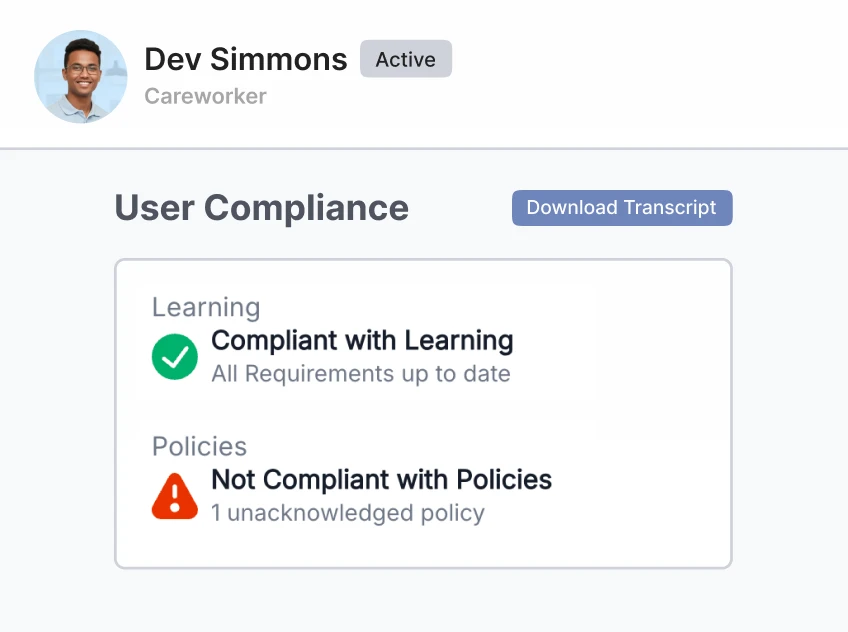
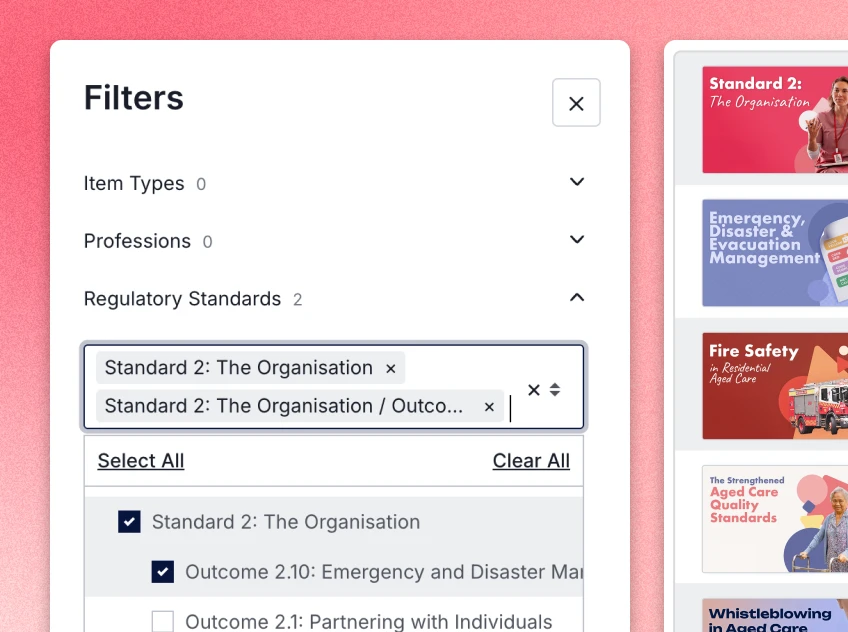
The Regulatory Standards report maps learning records to the Strengthened Aged Care Quality Standards. Download it by team, job role, facility or standard, and see where the training sits and where the gaps are, before an assessor finds them.
Mapping shows coverage and gaps. Compliance still depends on what workers do with the training, so for the skills that need observing, the competency sign-off in Ausmed Competency™ sits on the same worker record.
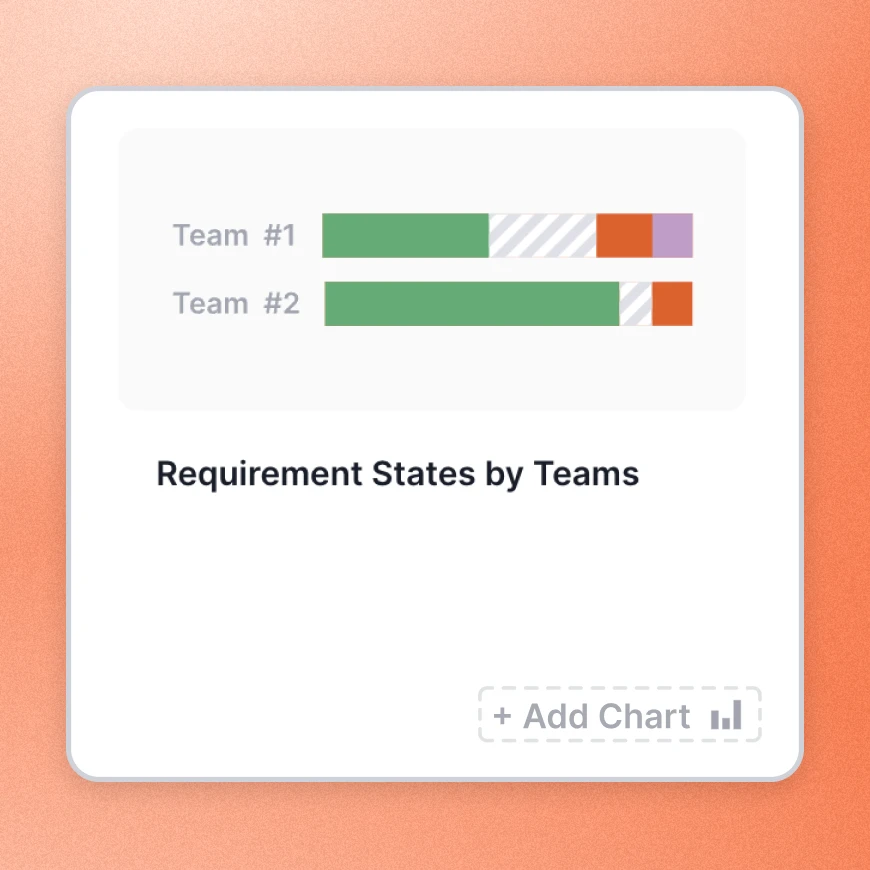
When each home reports its own way, a group figure hides the home that's behind.
The Team / Location Report compares every team or location month on month, from the same records and the same rules. A gap between two homes is then a real one.
Set compliance targets in your board and team reports and track each home against them. To take the figures elsewhere, export them as CSV or PDF, or bring the data into your own BI tools through the Ausmed APIs.
Multi-site operationsAusmed works out completion from each worker’s training plan. The Workroom lists who still needs chasing, and the Regulatory Standards report shows coverage by Standard.
Ausmed Learn™Audit, Board and Team / Location Reports, compared across homes and kept month by month.
Ausmed Analytics™Ausmed records which version of each policy every worker has acknowledged. Board Reports show policy compliance next to training.
Ausmed Policy™An assessor testing Action 2.9.5 looks for a review on a cycle you can show, and a record of what changed as a result.
The provider regularly reviews and improves the effectiveness of the training system.
Knowledge Verification Impact Insights report what workers already knew and the training time saved. The Regulatory Standards report shows coverage and gaps against each Standard.
The Team / Location Report compares every home month on month, so a home or role that keeps falling behind stands out.
Add or change a requirement in the training plan, or assign training to the home or role involved. The assignment and each completion are dated on the worker’s record.
The following month’s reports show whether the gap closed. Ausmed keeps every Board Report, so you can show the figures from before and after the change.
Bring the compliance report you produce every month, and we'll show you where each number in it would come from in Ausmed.
Yes. Add learning completed elsewhere, including face-to-face sessions and training from before a worker joined, as a record against the worker, and it counts in the same report.
The by-Standard view is the Regulatory Standards report in Ausmed Learn™, which maps learning records to the Strengthened Standards. The Audit Report sets results out by job role, requirement and staff member.
Yes. Export reports as CSV or PDF, or pull the data through the API into your own BI tools.
No. Ausmed Competency™ reports competency results itself, with dashboards of competent and not yet competent by team, role or location.
Ausmed is a Trusted Information Partner of Healthdirect Australia. Verify here.