

Ausmed is a Trusted Information Partner of Healthdirect Australia. Verify here.


© 2026 Ausmed Pty Ltd (ABN: 33 107 354 441)
For home care providers whose workers drive between clients' houses and work alone, far from the office. Training plans and policies land on the worker's phone, assessors sign off competency in the client's home, and the office sees the team's status without ringing round.
Book a walkthroughA home care worker can go a whole shift without seeing a colleague.
When something comes up in a client's bathroom at 7am, there is no nurse down the corridor. The worker relies on what they learned before they walked in, and on who they can reach.
Aged care workers have access to appropriate supervision, escalation, support and resources. This should be accessible for aged care workers with English as a second language, and be culturally sensitive.
Ausmed covers the parts of that action that sit in the workforce record. Module videos carry closed captions in eight languages besides English, and supervisors record phone and home-visit conversations in Ausmed Perform™.
An assessor's sign-off in the client's home then shows whether the training landed in practice.
A new worker picks up the training plan for their job role, team and location. It lands in the Ausmed app, with push reminders as each requirement falls due.
Updated policies arrive in the Ausmed app. The worker reads and acknowledges each one there, and Ausmed records the version they confirmed.
On eligible modules, questions drawn from the learning outcomes check what the worker already knows. A pass marks the module complete.
An authorised assessor observes the task in the client's home and records it on a phone or tablet, with their name, the date and the time.
Managers see completed, overdue and competency status by team, role and location, and nobody has to ring round the coordinators.
The Ausmed app runs on iOS and Android. Workers open their assigned modules on their phone, and reminders arrive as push notifications as each requirement falls due.
Each worker sees the training plans they are enrolled in and a list of what they still need to complete, so nobody has to ring the office to ask what is due.
Discover Ausmed Library™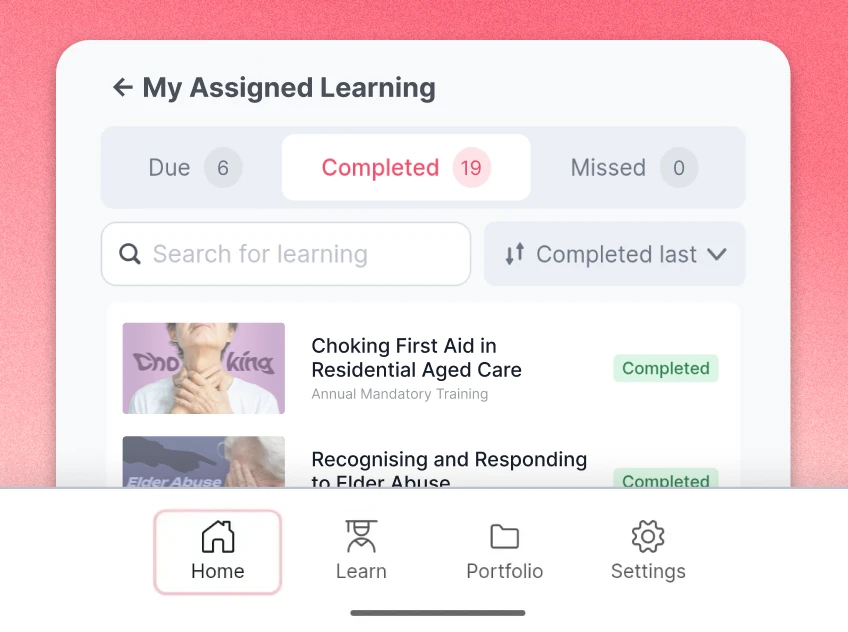
Nick, Chief Operating Officer, Community Living, Ozcare

Ausmed training modules carry closed captions in eight languages besides English: Arabic, Chinese (Simplified), Greek, Hindi, Italian, Punjabi, Tagalog and Vietnamese. A worker whose first language is one of these can switch the module video's captions to it on their phone, between visits.
Knowledge Verification asks the worker questions drawn from a module's learning outcomes. When a worker passes, Ausmed marks the module complete, with a learning record. A worker who doesn't goes through the module.
For a manager who never sees the worker learn, it is a second signal beside the completion date.
Ausmed's governance team chooses the eligible modules it runs on, starting with lower-risk topics, so it will not be on every module you assign.
Learning management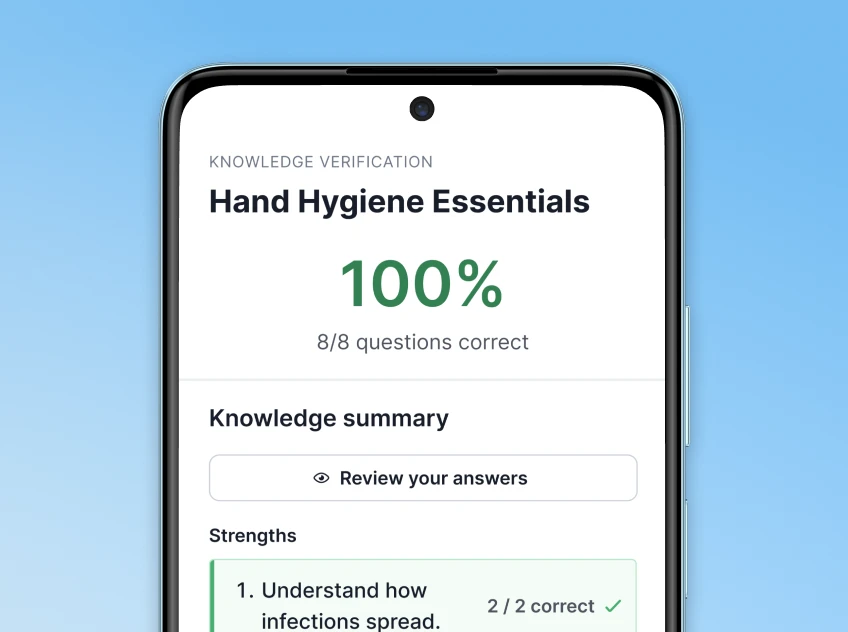
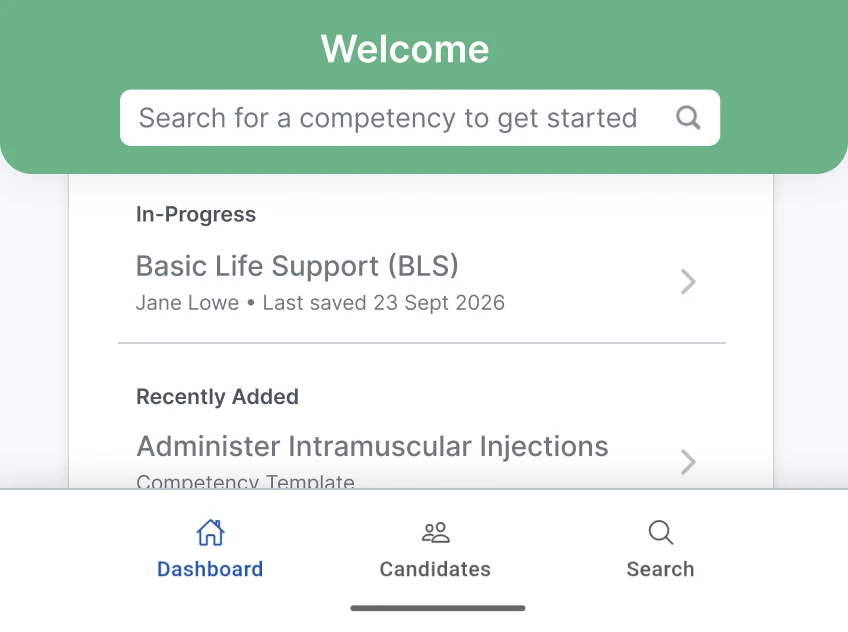
Ausmed Competency™ puts the assessment on a phone or tablet. The assessor works through the observation and knowledge questions, marks each element Satisfactory or Not Yet Satisfactory, adds comments and submits, in the home where the task happens.
The record carries the assessor's name and a date and time stamp. You decide who is authorised to assess each competency, and a completed assessment marks off the matching practical activity in the worker's training plan.
In-person training and assessmentsIn Ausmed Perform™, a supervisor records one-on-one meetings, notes and feedback against the worker, whether the conversation happened on a home visit or by phone. Supervision at a distance then shows up as evidence for Action 2.9.3.
The worker sees the feedback they have received in their own portal, and the record shows when each supervision conversation took place and what was agreed.
Performance and supervision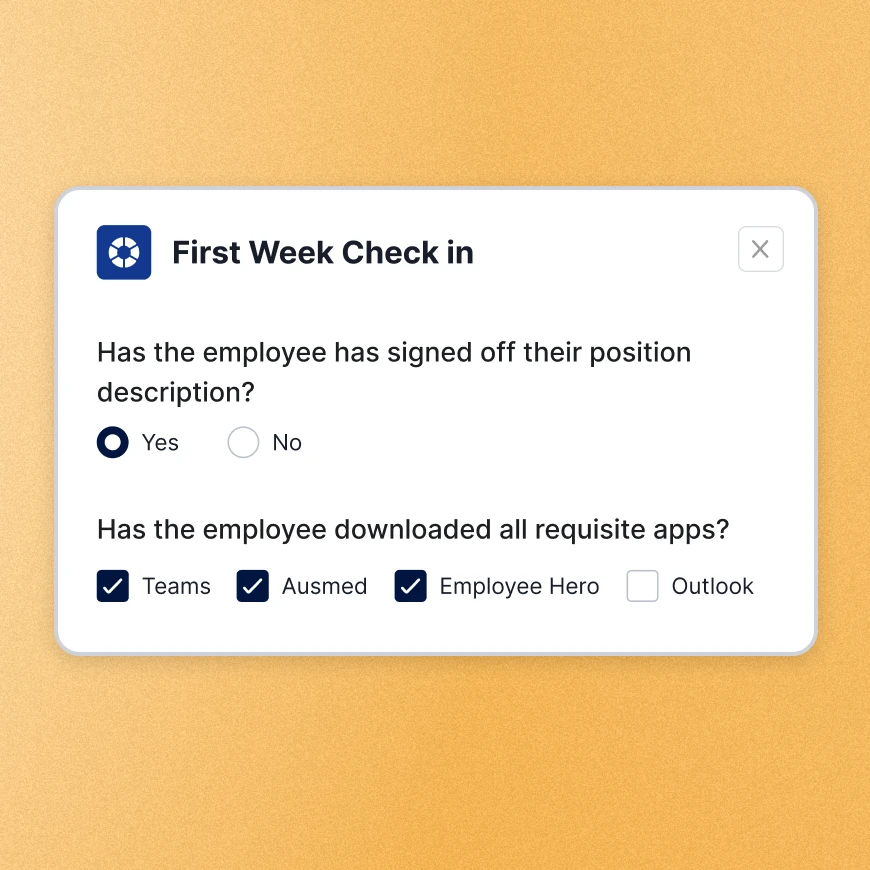
| Without a system | With Ausmed | |
|---|---|---|
| Where learning happens | At the office on induction day, or not at all | On the worker's phone, between visits |
| Reminders | A text from the coordinator | Push notifications as training falls due |
| Knowing it landed | A completion date | A completion date, plus Knowledge Verification on eligible modules |
| Competency sign-off | A paper form that travels back to the office | The assessor records it on a phone in the home, with their name, the date and time |
| Seeing the whole team | Ringing round each coordinator | Completed, overdue and competency status by team, role and location |

In regional Queensland, Ozcare’s home care workers often travel one to two hours each way, then work alone in clients’ homes with no colleague nearby to ask.
Ozcare uses Ausmed Library™ and Ausmed Learn™ to bring education to the point of care, so a worker on their own still has it to hand.
Read the Ozcare story
Training plans by role for the services your clients receive.
Support at Home and CHSP
Which Standards your category is audited against, and the Ausmed record for each workforce action.
Standards for home care
Probation and one-on-one meetings on record for workers you rarely see in person.
Performance and supervisionPick one role that works alone in clients' homes and we'll show you its training and sign-off on a phone.
It's up to you. The assessor completes the assessment on a phone or tablet wherever the task happens, including the client's home. Someone authorised to assess that competency still has to be there to observe it.
Plan on a connection to open a module, and check with us if your workers spend long stretches out of coverage.
Training modules have closed captions in eight languages besides English: Arabic, Chinese (Simplified), Greek, Hindi, Italian, Punjabi, Tagalog and Vietnamese. The captions cover the module video; the rest of the module is in English.
Yes, with user synchronisation from your HRIS. Job role, location and manager sync from your HR system, and Ausmed adds, moves or removes users as your records change.
Ausmed then assigns the right training plan without anyone setting it up by hand. We scope integrations with you.
Ausmed is a Trusted Information Partner of Healthdirect Australia. Verify here.